Creativity Was Never About the Tool
For as long as I have worked in design, the tools have changed. QuarkXPress became InDesign. Desktop publishing changed print production. Photoshop changed image-making. Sketch changed interface design. Figma changed collaboration. Components and design systems changed how quickly digital products could be produced.
Generative AI and agents are a major change, but change itself is not new. Good designers were never defined by the software they used. A tool executes and extends an idea; it does not explain why the idea deserves to exist.
This is why I am not interested in the tired argument that AI can or cannot “be creative.” It can generate, compare and remix. The professional question is more specific: where should machine capability enter a creative process, and who remains responsible for the result?
Production capability is not the same as creative capability.
Experience Is Knowing Which Question Matters
Experience is not simply accumulated software knowledge. It is knowing when a brief is ready and when it needs to go back. It is seeing a constraint nobody wrote down. It is recognizing that a technically valid solution can still feel visually wrong. It is knowing which detail will break when five mockups become five hundred assets.
AI is enormously useful here because an experienced creative can investigate context with a depth and speed that were previously impractical. A model can research, calculate, compare, simulate and synthesize hundreds of sources. But somebody still needs to ask the useful question and judge whether the answer makes sense.
That distinction also explains why prompting from a non-designer’s brief is not equivalent to design. The model may produce a polished object. It has not checked whether the brief framed the right problem, whether the system can scale, whether the printer can produce it or whether the audience will read it as intended.
A Calendar Produced One of Our Best Avira Campaigns
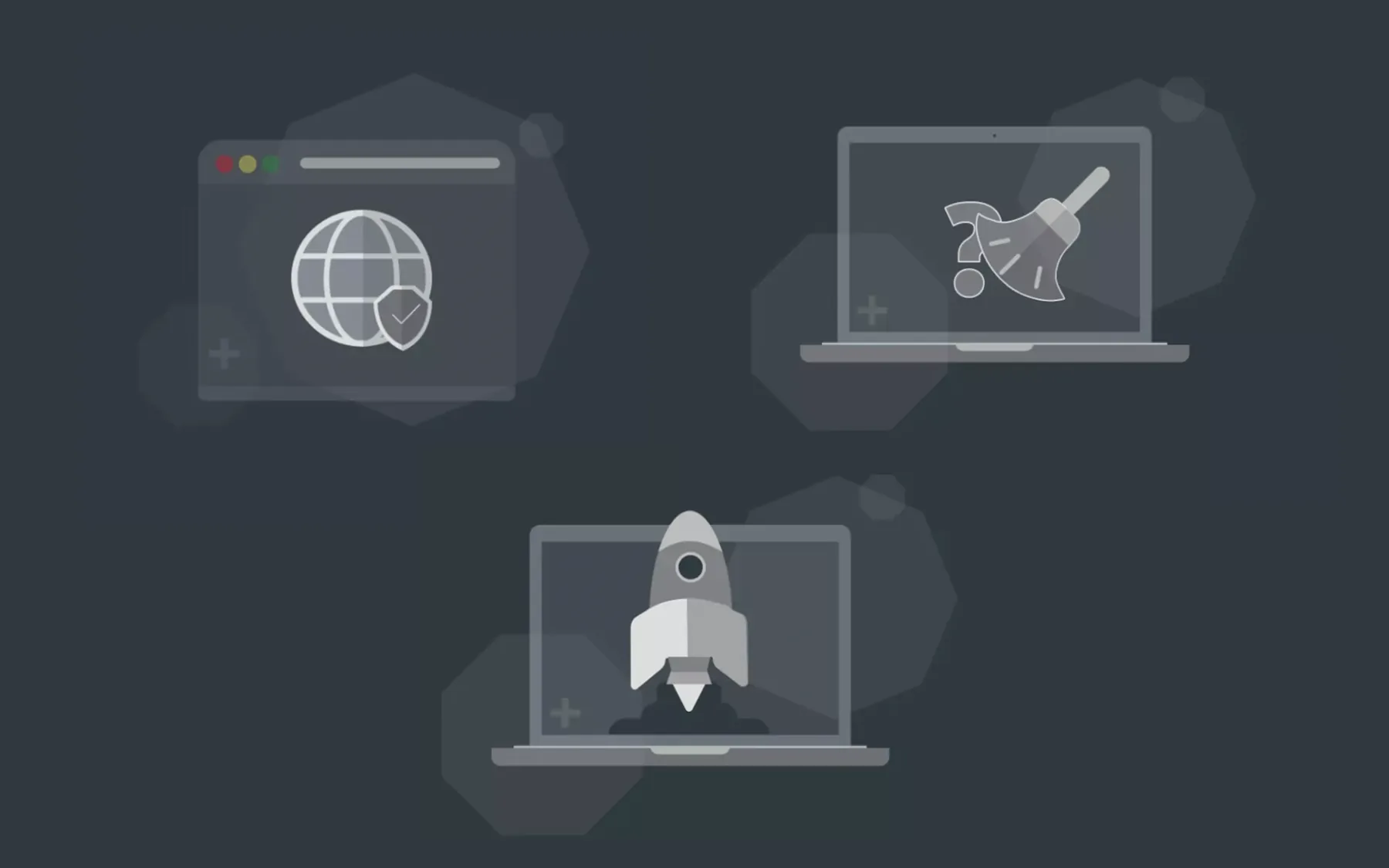
At Avira we regularly designed in-product messaging banners: a small advertising environment inside the desktop product. Repetition made the creative problem difficult. You cannot reinvent a cybersecurity product every Tuesday.
Sales needed another promotional campaign. It was February in a leap year. Looking at the calendar, we noticed a scarcity mechanism reality had already written for us: February 29, a day that disappears for four years.
The campaign became almost nothing: a date, a calendar and the message that this day would not return soon. It became one of the strongest-performing IPMs we had run in Germany. The idea did not come from a framework or a tool. It came from connecting an ordinary observation to a commercial problem.
Today, AI could strengthen everything around that idea: analyse previous IPM performance, compare seasonal behaviour, check competitor activity, segment audiences and report results. Excellent. But the value began with noticing something nobody had asked us to look for.
A Number Can Be Correct While a Design Looks Wrong
Accessibility tools can calculate whether two colours meet a WCAG contrast threshold. That calculation is essential, but compliance does not automatically make a visual decision persuasive. A black element on a particular blue may pass a ratio and still look muddy, unfamiliar or broken because users bring decades of visual experience to an interface.
The same applies to a billboard. AI can help estimate viewing distance, pedestrian height, sight lines, weather exposure, mounting constraints and letter legibility across a square. That information can make a designer’s decision more intelligent before anything expensive is printed. It cannot accept responsibility for which message deserves to occupy the building or what the city should feel when it appears.
The useful formula is not human judgment versus calculation. It is human judgment with more calculations, more evidence and more ways to test an assumption.
The Windows 10 Hero Was Built in the Physical World

I remember seeing Bradley G. Munkowitz—GMUNK—present this kind of work around OFFF Barcelona in 2016. The memory stayed with me because the final image looked computational, yet its character came from a physical experiment.
For the Windows 10 desktop hero, the team built the logo, projected light through cut surfaces and acrylic, used lasers and atmospheric haze, photographed multiple high-resolution exposures and composited them. The logo was treated as a portal in one-point perspective. The result was made for a digital operating system, but its visual authority came from optics, materials, smoke, light and people making decisions on a set.
AI could now help model angles, previsualize beams, catalogue exposures and speed the composite. It might make the experiment cheaper and give the team more variations. The creative achievement remains the decision to make a mass-distributed digital image feel tangible by building it physically.
Context Cannot Be Downloaded
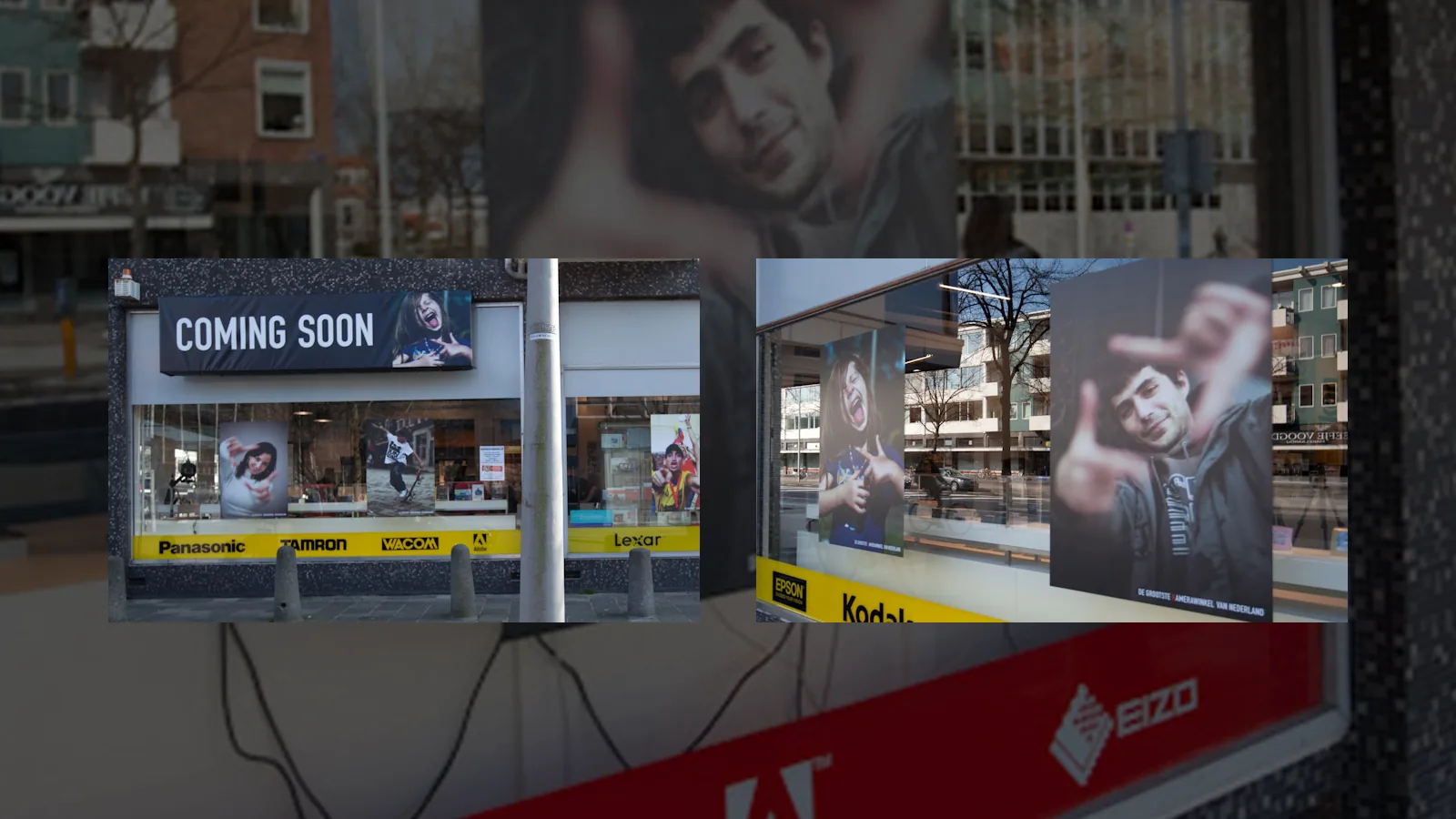
At Maestro in Amsterdam, we worked on a Kamera Express action involving performers in a public square and staged photographers. The point was to create the social signal of something happening: people noticed the apparent attention, saw the brand and discovered the store.
An AI system could research pedestrian flow, weather, events, audience profiles, media cost and likely exposure. But the decisive questions are local and cultural. What feels normal in this square? What feels fake? Where do people stop? What can create curiosity without immediately reading as an advertisement?
Some context can be collected as data. Some comes from living in a place. This is not a romantic rejection of technology. It is a reminder that evidence has a boundary, and responsible creative direction knows where it is.
AI as Material—and as an Intelligence Layer
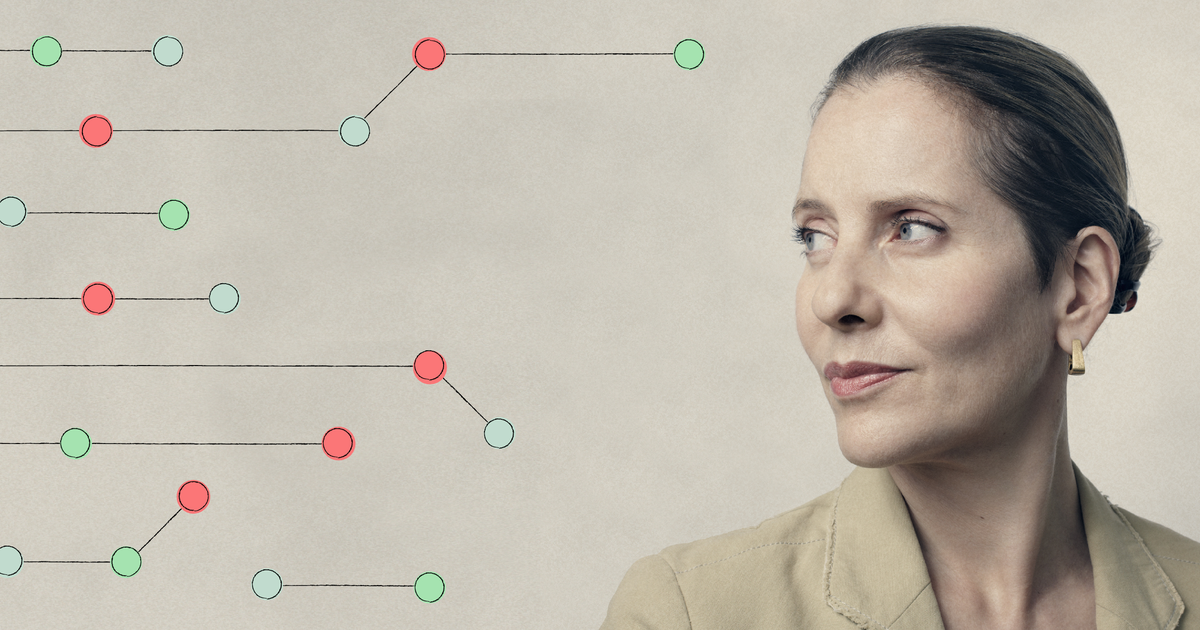
Paola Antonelli describes AI as a tool and design’s latest material. I agree with her central point: when designers master a new tool, it can expand their ability, just as desktop publishing and web design did after their noisy experimental phases.
I would extend the definition for branding, advertising, B2B, enterprise and physical environments. AI can be more than a material inside the output. It can be an intelligence layer around the creative process—making context available before a decision and clearing production work after it.
John Maeda’s How to Speak Machine is useful for the same reason. Understanding computational systems gives designers more agency, not less. His recent writing on CRAFT argues for curiosity, responsibility and thoughtfulness when AI pushes organisations toward speed. Google PAIR likewise starts with identifying the right human problem and asks how AI can augment capability, not only automate tasks.
Automate the Work Around the Work
Long before generative AI, template marketplaces let people buy a finished-looking structure, replace the images and mistake production speed for original thinking. AI did not invent this confusion; it scaled it. If you know what you are trying to achieve, a template or model can save time. If you do not, the tool begins making decisions for you.
The better conversation with a creative team is practical: where do projects lose information? How much time goes into finding assets, renaming files, adapting sizes, documenting components, summarising research or rebuilding the same deck? Which tasks require craft, and which merely keep craft waiting?
Synthesise user research, behaviour, analytics, brand constraints and project history into a usable starting point.
Route requests, find assets, check dimensions, generate documentation and prepare repetitive adaptations for review.
Estimate visibility, compare scenarios, expose assumptions and identify expensive risks before production.
Keep brief acceptance, concept, taste, cultural judgment, authorship and final approval with experienced people.
Do not automate creativity. Automate everything that prevents creative people from being creative.
This is also why experienced mentors matter. Teams do not only need a demonstration of the newest tool. They need people who understand print, typography, Pantone, production, digital systems, audiences and AI workflows well enough to decide what should be accelerated—and what should remain deliberately human.
References and Further Reading
- Paola Antonelli, “AI Is Design’s Latest Material,” Google Design
- Google PAIR Guidebook, User Needs + Defining Success
- John Maeda, How to Speak Machine, MIT Press
- John Maeda, “Practicing CRAFT: Keeping Ahead of the Machine”
- GMUNK, Windows 10 Desktop—project and behind the scenes
- Art of the Title, OFFF Barcelona 2016
- Rick Poynor, No More Rules: Graphic Design and Postmodernism, Laurence King
- Casey Reas and Ben Fry, Processing: A Programming Handbook for Visual Designers and Artists, MIT Press